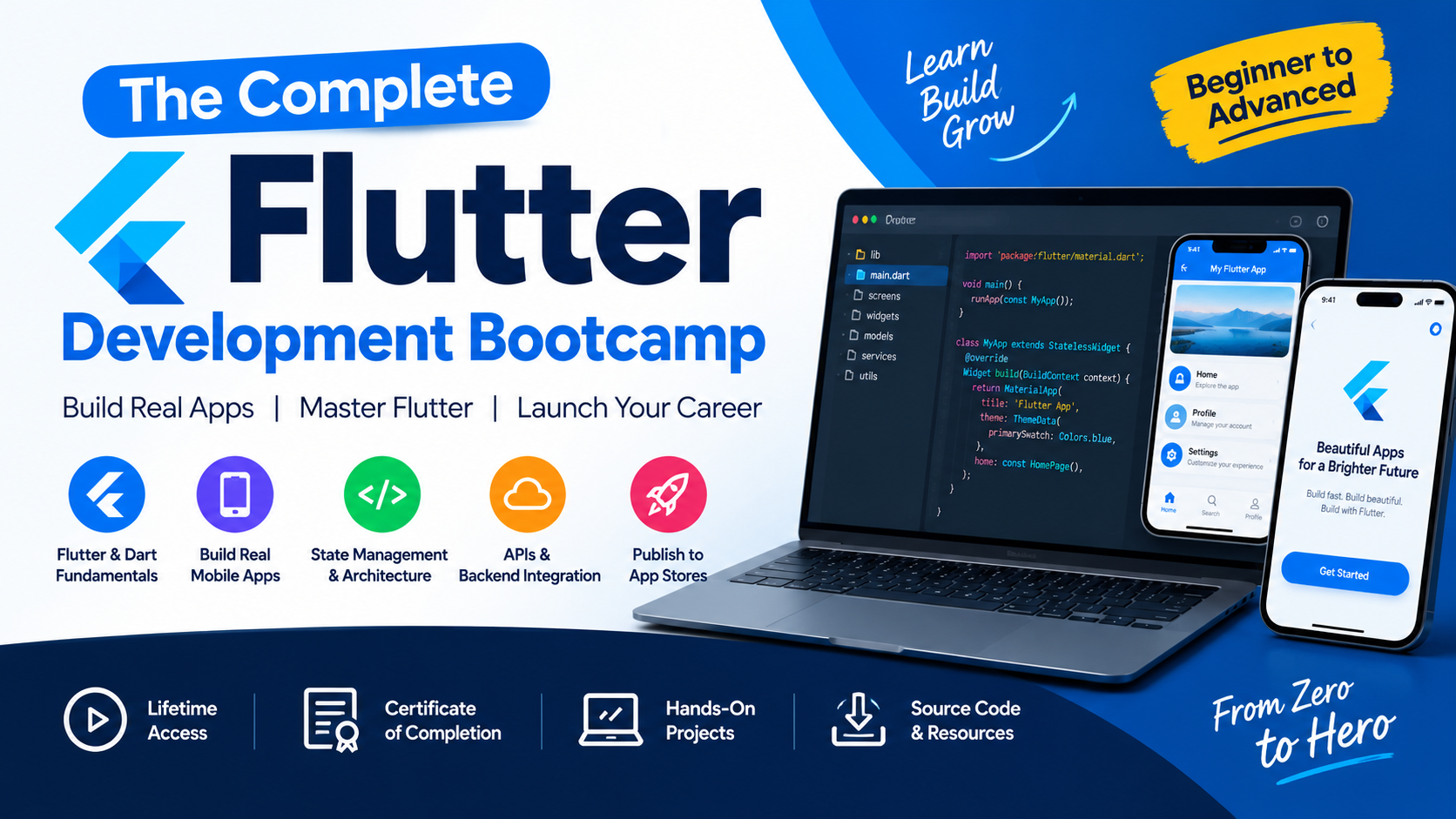
BENEFITS

Best Seller

Online Courses

24/7 Support

Lifetime Access

Get Certificate
Offer Curriculum
01 Introduction to Cross-Platform Development with Flutter and Dart
Available in
days
days
after you enroll
02 Setup and Installation
Available in
days
days
after you enroll
- 009 Prerequisites for Flutter Development (6:23)
- 011 Windows Setup Step 1 - Install the Flutter SDK (7:19)
- 012 Windows Setup Step 2 - Install Android Studio (2:40)
- 013 Windows Setup Step 3 - Install the Android Emulator (5:44)
- 016 Mac Setup Step 1 - Install the Flutter SDK (13:46)
- 017 Mac Setup Step 2 - Install Android Studio (4:10)
- 018 Mac Setup Step 3 - Install the Android Emulator (3:54)
- 019 Mac Setup Step 4 - Install Xcode and Command Line Tools (2:25)
- 020 Mac Setup Step 5 - Test the iOS Simulator (3:17)
- 022 [Optional] Configure Android Studio for Flutter Development (9:51)
- 023 [Optional] Guided Tour of Android Studio for Flutter Development (13:15)
03 I Am Rich - How to Create Flutter Apps From Scratch
Available in
days
days
after you enroll
04 Running Your App on a Physical Device
Available in
days
days
after you enroll
05 I Am Poor - App Challenge
Available in
days
days
after you enroll
06 MiCard - How to Build Beautiful UIs with Flutter Widgets
Available in
days
days
after you enroll
- 040 Hot Reload and Hot Restart - Flutter Power Tools (13:49)
- 039 MiCard - A Single Screen Personal Business Card App (5:31)
- 041 How to Use Container Widgets (11:17)
- 042 How to use Column & Row Widgets for Layout (14:00)
- 044 Tapping into Widget Properties (9:14)
- 045 Incorporating Custom Fonts in Your Flutter App (10:59)
- 046 Adding Material Icons with the Icon Widget (12:35)
- 047 Flutter Card & ListTile Widgets (13:19)
- 049 Tip from Angela - Nothing Easy is Worth Doing! (3:35)
07 Dicee - Building Apps with State
Available in
days
days
after you enroll
- 050 Dicee - A Stateful Dice App (4:29)
- 051 Using the Expanded Widget to Create Flexible Layouts (12:01)
- 052 How to Use Intention Actions (8:30)
- 053 Adding Gesture Detection with Flutter Button Widges (12:41)
- 054 [Dart] Functions - Part 1 (5:38)
- 055 Making the Dice Image Change Reactively (4:00)
- 056 [Dart] Variables (7:24)
- 057 [Dart] Data Types (12:24)
- 058 Stateful vs. Stateless Widgets - What's the Difference_ (14:58)
- 059 Randomising the Dice (8:27)
- 060 Challenge 1 Solution (3:09)
- 061 Challenge 2 Solution (1:57)
- 062 Challenge 3 Solution (2:34)
- 064 Tip from Angela - How to Deal with Procrastination (4:08)
08 Boss Level Challenge 1 - Magic 8 Ball
Available in
days
days
after you enroll
09 Xylophone - Using Flutter and Dart Packages to Speed Up Development
Available in
days
days
after you enroll
- 074 Xylophone - A Simple Musical Instrument App (3:36)
- 075 What are Flutter & Dart Packages_ (13:22)
- 076 How to Play Sound Across Platforms (9:46)
- 077 How to Play Multiple Sounds (9:00)
- 078 [Dart] Functions - Part 2 (10:32)
- 079 Updating the UI of Our App (9:15)
- 080 [Dart] Functions - Part 3 (10:54)
- 081 [Dart] Functions Challenge (6:52)
- 082 Refactoring Our App (6:19)
- 083 [Dart] Arrow Functions (6:27)
- 086 Tip from Angela - The 20 Minute Method (2:39)
10 Quizzler -Modularising & Organising Flutter Code
Available in
days
days
after you enroll
- 088 Building a Score Keeper (12:08)
- 087 Quizzler - A True_False Quiz App (3:14)
- 089 [Dart] Lists (8:25)
- 090 Displaying the Questions (17:04)
- 091 Checking User Answers (6:29)
- 092 [Dart] Conditionals - IF_ELSE (15:36)
- 094 Creating a Question Class (12:40)
- 095 [Dart] Classes and Objects (15:25)
- 096 Abstraction in Action (16:25)
- 097 Encapsulation in Action (14:51)
- 098 Inheritance in Action (7:38)
- 099 Polymorphism in Action (8:31)
- 100 Adding Back the Score Keeper (6:51)
- 101 Code Challenge (3:14)
- 102 [Dart] Class Constructors (14:01)
- 104 Tip from Angela - Learning Before you Eat (2:06)
11 Boss Level Challenge 2 - Destini
Available in
days
days
after you enroll
12 BMI Calculator - Building Flutter UI for Intermediates
Available in
days
days
after you enroll
- 121 BMI Calculator - A Beautiful Health App (2:03)
- 122 How to Use Flutter Themes (24:05)
- 123 How to Refactor Flutter Widgets (20:05)
- 124 [Dart] Final vs. Const (18:24)
- 125 Creating Custom Flutter Widgets (18:26)
- 126 The GestureDetector Widget (12:03)
- 127 [Dart] Enums (11:19)
- 128 [Dart] Ternary Operator (13:08)
- 129 [Dart] Functions as First Order Objects (15:04)
- 130 The Flutter Slider Widget (25:25)
- 131 Customising Widgets with Themes (11:49)
- 132 Composition vs. Inheritance - Building Flutter Widgets From Scratch (27:43)
- 133 Multi-Screen Apps Using Routes and Navigation (21:40)
- 134 [Dart] Maps (7:53)
- 135 Designing the Result Page (20:57)
- 136 Adding the BMI Calculator Functionality (13:23)
- 138 Tip from Angela - Dealing with Lack of Progress (3:08)
13 Clima - Powering Your Flutter App with Live Web Data
Available in
days
days
after you enroll
- 139 Clima - A Modern Weather App (0:56)
- 140 Getting Location Data From Across Platforms (16:08)
- 141 [Dart] Futures, Async & Await (23:59)
- 142 Stateful Widget Lifecycle Methods (13:29)
- 143 [Dart] Exception Handling & Null Aware Operators (20:32)
- 144 Async_Await Challenge (5:27)
- 145 Application Programming Interfaces (APIs) Explained (9:00)
- 146 Networking in Flutter Apps with the HTTP Package (13:50)
- 147 JSON Parsing and Dynamic Types (16:20)
- 148 Getting Actual Weather Data from the OpenWeatherMap API (10:19)
- 149 Showing a Spinner While the User Waits (6:10)
- 150 Passing Data to a State Object (11:19)
- 151 Updating the Weather with the WeatherModel (8:41)
- 152 Refactoring the Location Methods (15:14)
- 153 Creating and Styling a TextField Widget for Text Entry (10:06)
- 154 Passing Data Backwards Through the Navigation Stack (13:32)
- 156 Tip from Angela - Mixing Knowledge (2:20)
14 Boss Level Challenge 3 - Bitcoin Ticker
Available in
days
days
after you enroll
- 158 The Material DropdownButton Widget (8:22)
- 157 Bitcoin Ticker - A Simple Cryptocurrency Price Tracker (2:39)
- 159 [Dart] Loops (24:16)
- 160 Building Widgets with Loops Solution (7:00)
- 161 Introducing Cupertino Widgets (10:30)
- 162 Building Platform Specific UI (iOS & Android) (9:42)
- 163 Introduction to Boss Level Challenge 3 (5:15)
- 168 Tip from Angela - Dealing with Frustration (2:31)
15 Flash Chat - Flutter x Firebase Cloud Firestore
Available in
days
days
after you enroll
- 170 Named Routes Challenge (8:18)
- 169 Flash Chat - A Lightning Fast Messaging App (1:29)
- 171 [Dart] Static Modifier (13:03)
- 172 Refactor Routes with the Static Const (6:30)
- 173 Flutter Hero Animations (8:46)
- 174 Custom Flutter Animations with the Animation Controller (28:55)
- 175 [Dart] Mixins (10:49)
- 176 Prepackaged Flutter Animations (4:32)
- 177 Code Refactoring Challenge (16:36)
- 178 Creating a New Firebase Project (2:46)
- 180 Android Firebase Project Setup (6:27)
- 181 iOS Firebase Project Setup (5:36)
- 182 Firebase Flutter Packages Setup (iOS & Android) (7:32)
- 183 Registering Users with Firebase using FirebaseAuth (15:57)
- 184 Authenticating Users with FirebaseAuth (5:44)
- 185 Showing a Spinner while the User Waits (5:25)
- 186 Saving Data into Cloud Firestore (8:12)
- 187 Listening for Data from Firebase using Streams (13:13)
- 188 [Dart] Streams (7:24)
- 189 Turning Streams into Widgets Using the StreamBuilder (16:56)
- 190 The Flutter ListView (16:38)
- 191 A Different UI for Different Senders (16:54)
- 192 Cloud Firestore Authorisation and Security Rules (3:36)
- 194 Tip from Angela - Sleep is My Secret Weapon (3:49)
16 Flutter State Management
Available in
days
days
after you enroll
- 196 Designing the To-Do List App (24:40)
- 195 Todoey - Your very own To-Do List App (1:32)
- 197 The ListView Challenge (9:54)
- 198 The BottomSheet Widget (19:42)
- 200 What is State and How do we Manage it_ (21:02)
- 201 How do Callbacks work in Dart_ (6:34)
- 202 The ListView Builder (20:13)
- 203 Lifting State Up Challenge (15:35)
- 204 Flutter App Architecture Patterns (10:59)
- 205 Introducing the Provider Package (26:50)
- 206 Using a Provider and a ChangeNotifier to Manage State (20:35)
- 207 Adding New To-Do List Tasks (14:32)
- 208 Checking off To-Do List Tasks (6:44)
- 209 Deleting Tasks using the Provider Design Pattern (5:46)
- 211 Tip from Angela - How to Solidify Your Knowledge (2:55)
17 Next Steps
Available in
days
days
after you enroll
18 Bonus Section
Available in
days
days
after you enroll

CipSkills is a global platform for learning courses online. The school revolves around being sustainable by providing quality education around the globe and that too at affordable prices for people who have a strong longing to learn.
FOLLOW US
Special Offer